AI customer support in Estonian, Latvian and Lithuanian
Why AI writes Estonian, Latvian and Lithuanian less well than English, what EPAV Desk does about it, and how to test your bot in these languages before customers see it.
On this page
Estonian, Latvian and Lithuanian are three of the 24 official languages of the European Union (European Union: Languages). If you sell there, many customers will write to your support chat in them. Here is what to expect from AI in these languages and how to prepare.
Customers buy in their own language
The European Commission asked internet users in every Member State which languages they use online. 90% preferred websites in their own language. Buying was where people cared most: only 18% bought online in another language frequently or all the time, and 42% never bought online in a language other than their own (European Commission, press release IP/11/556). The survey is from 2011, so treat the numbers as a direction.
A support chat is part of buying: people ask about delivery, sizes or returns before they pay. An answer in English, or in Latvian full of odd words, gives them extra work at the moment they decide.
Why these languages are harder for AI
A language model learns to write from the texts it was trained on, and for many models a large part of them comes from the public web. In the GPT-3 paper, for example, OpenAI writes that filtered Common Crawl, an open archive of web pages, made up 60% of the training mix, and that the training data was 93% English by word count (Brown et al., Language Models are Few-Shot Learners, 2020).
Common Crawl publishes the main language of the HTML pages in each crawl (Common Crawl statistics: languages). In crawl CC-MAIN-2026-43:
| Language | Share of pages |
|---|---|
| English | 42.56% |
| Lithuanian | 0.17% |
| Estonian | 0.15% |
| Latvian | 0.09% |
That is roughly 250 to 460 times more English pages than pages in each of the three languages: fewer examples of how people really write.
This does not mean that AI cannot write these languages. It means you should watch for three kinds of mistakes:
- a word that looks right but does not exist;
- an English word in the middle of a sentence;
- a real word in the wrong place, which a reader notices and a spell checker does not.
What EPAV Desk does
The answer comes in the customer's language
The assistant answers in the language of the conversation. The customer's first message sets it (or the first full sentence, if the first message is only "Hi"), and the conversation keeps it. Names, addresses and order numbers do not change it: a customer who started in Lithuanian and then sends only "Vilnius, Gedimino pr. 9" still gets answers in Lithuanian. The language changes only when the customer writes a full sentence in another language.
If your knowledge base is in another language, the assistant translates what it finds. A reply in the wrong language goes back to the model once to be rewritten. Details: How the assistant answers.
The notice that an AI is answering, which opens the chat, is translated into all three languages. In Estonian it reads: Vestlete tehisintellekti abiga. Paluge igal ajal inimesega rääkida ja suunan teid edasi.
A spelling check for these three languages
When a model writes an answer in one of these languages itself, EPAV Desk checks its words against a dictionary before sending it. If it finds words that do not exist or letters of another alphabet, it names them and asks the same model once to rewrite the answer. The new text is used only if it has fewer such words and keeps the same numbers and links. Otherwise the first answer is sent.
Words from the customer's messages and from your knowledge base count as known, so your brand and product names do not trigger a rewrite. A dictionary has one limit: it finds words that do not exist, but not a real word in the wrong place.
Who writes the answer
| Who writes the answer | How an answer in these languages is made |
|---|---|
| The cloud AI of your plan: Claude, a model by Anthropic, after payment | Written in the customer's language, then the spelling check |
| Our free model, on the trial and when the cloud AI of your plan runs out | Written in English, then our translator translates it into the customer's language |
| Your own AI provider, if you connect one | Written in the customer's language, then the spelling check |
Your panel, cabinet and guide in your language
- The panel. At sign-up you choose the site language: one of 45, Estonian, Latvian and Lithuanian among them. It sets the language of the panel, the notifications to your agents and the names EPAV creates for you, and you can change it later in the cabinet (Site language).
- The chat window. Its own buttons and hints are translated into all three languages.
- The cabinet and the setup guide. The cabinet and the setup guide are in the same 45 languages: pick yours with the globe button at the top of the cabinet. A part of the guide we have just changed may show in English with a note until its translation follows.
- Our website is in Estonian, Latvian and Lithuanian.
How to test your bot before launch
- Open Admin > AI > Assistants, your assistant, tab Test. Type questions the way your customers write them, in full sentences: the test judges the language from that one message, so a very short one may get another language.
- Look at Knowledge used under each reply. If the right article is missing, the problem is in the knowledge base, not in the language.
- Ask something your knowledge base does not cover. The assistant should say it has no answer instead of guessing.
- Ask a native speaker to read 10 to 20 answers. Only a person notices a real word in the wrong place or a tone that sounds off.
- Test again after the trial. Trial answers come from our free model and our translator, paid ones from the cloud AI of your plan, so the wording changes.
- If you serve all three countries, add
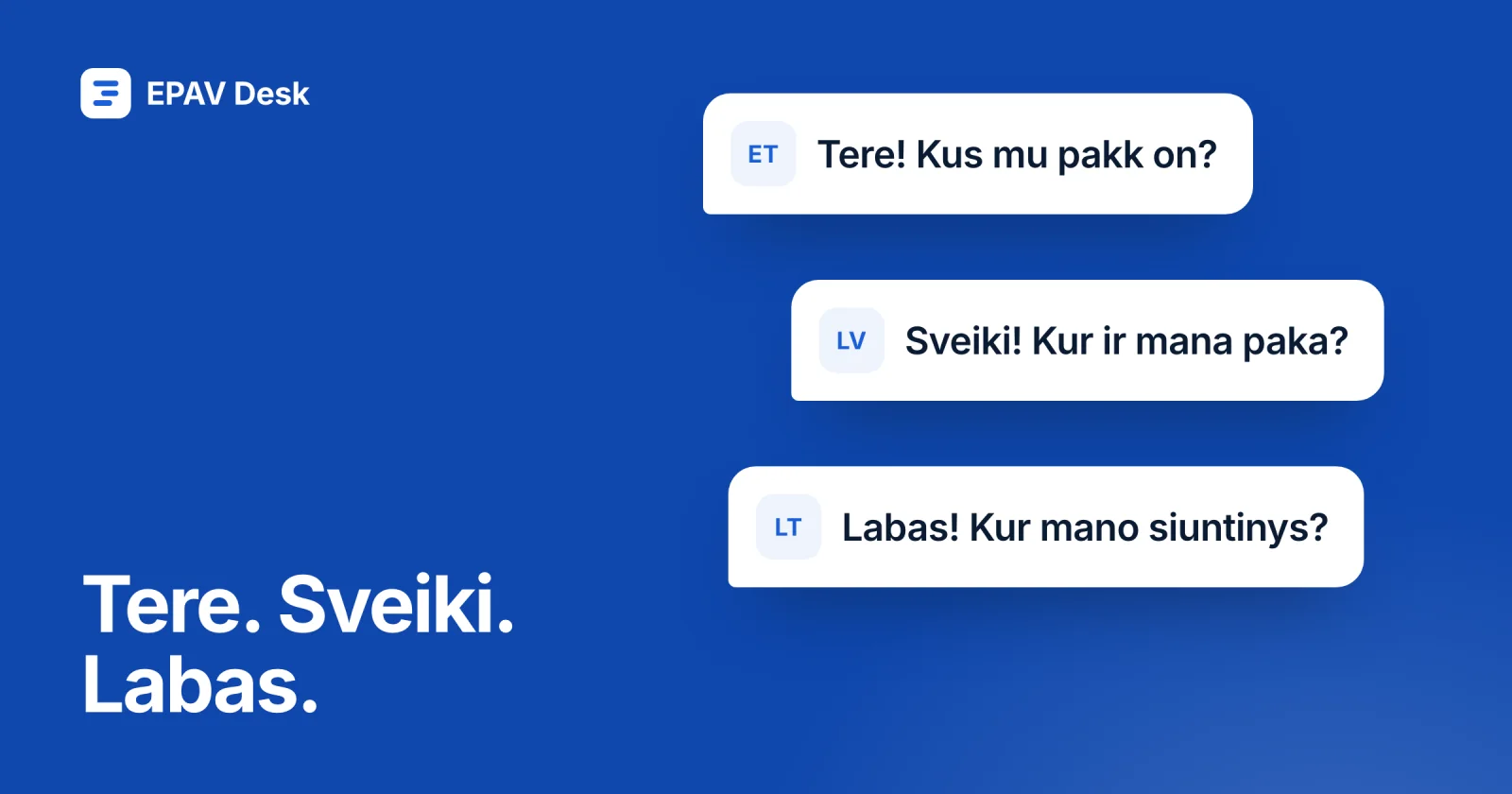
et,lvandltto the assistant's Languages field. Customers still get answers in their own language; the list helps when a message is too short to tell, such as "Tere" or "Labas" (Assistant settings).
What to put in the knowledge base
- Articles in your customers' language, where you can. The assistant can translate, but an article already written in Estonian gives it your own wording.
- The words customers use. Search can match the words of the question, not only their meaning. Name the local things people ask about: the parcel locker (pakiautomaat, pakomāts, paštomatas), your carriers and payment methods.
- One article per country where rules differ. If delivery prices, delivery times or returns differ between Estonia, Latvia and Lithuania, write them separately, with exact amounts and days.
- Exact facts. The assistant does not make up prices, steps or policies. What is not in the knowledge base, it does not answer (Writing articles the bot can use).
Half an hour on the Test tab in each language shows you what your customers will read, before they read it.